
If your company does not appear on Google, does not necessarily mean that you need a new website. There may be an indexing, relevance, content, or local presence problem. Before investing in ads or redoing the entire page, it is convenient to identify which of these factors is limiting the visibility of the business.
In this guide you will find:
- A quick test to find out if Google knows your website.
- Nine common mistakes explained without unnecessary technicalities.
- A practical diagnosis that you can complete in fifteen minutes.
If your company does not appear on Google, check the indexing
Do a search in this format:
site:tudomain.comIf pages of your domain appear, Google already knows at least a part of the web. In that case, the problem is usually related to the relevance, the quality of the content, the competition or the local SEO. If no result appears, there may be a Technical lock Or just Google hasn’t discovered the pages yet.
Google explains that its systems find most of the pages automatically using Links and trackers, although it also recommends using Search Console and, when useful, send a Sitemap. You can consult the Official Google SEO Initiation Guide.

9 Errors that can prevent your company from appearing on Google
1. The web is not yet indexed
A published page does not automatically enter the results at the same instant. Google must discover it, trace it and incorporate it into its index. With the URL inspection tool Google Search Console you can check the status of a specific address and request its indexing after correcting any problems.
Requesting indexing does not guarantee a certain position. It only makes it easy for Google to review the page.
2. You are blocking crawl or indexing without knowing it
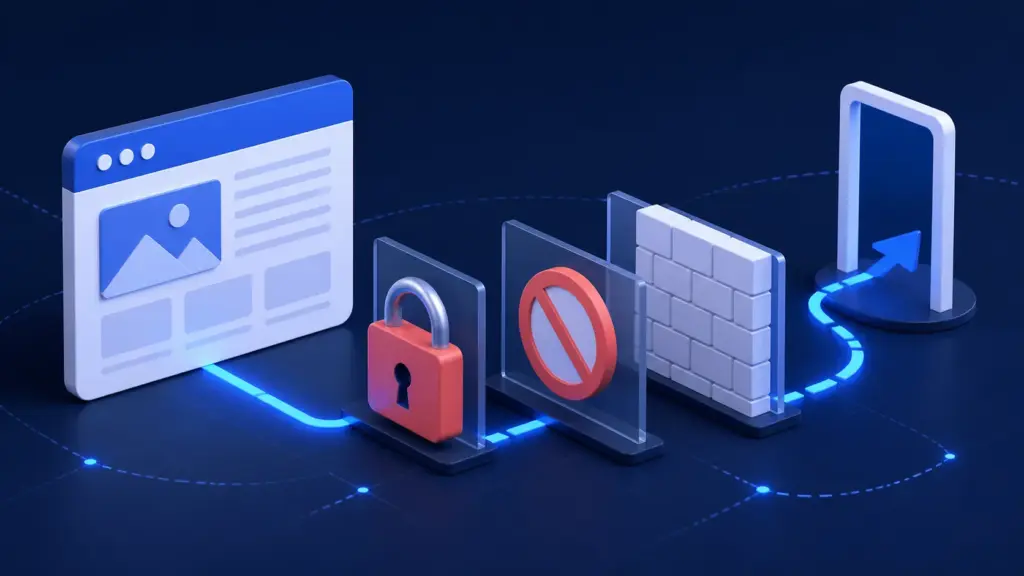
It is common for a website created initially in a test environment to retain some restriction when going to production. Among the most common blocks are:
- WordPress Settings: the option to deter search engines continues on.
- Directive
noindex: it is present in important pages. - Archive
robots.txt: Contains incorrect rules. - Restricted access: There is still a password or access limitation.
- Blocked resources: JavaScript or CSS are inaccessible to the tracker.
Do not remove blind blocks: Some private, duplicate, or internal pages should be kept out of the index. The revision must be done by URL by URL and understanding the function of each section.
3. Google does not find a clear path to your pages
If a page does not receive links from the menu, other entries or related pages, it can be isolated. A logical structure and good internal links they help people navigate and search engines to understand what content is important.
It is also worth checking that the Sitemap Include only valid and canonical URLs. The Sitemap does not replace a good architecture, but makes it easy to discover relevant pages.
4. The content does not respond to your client’s search
A website can talk a lot about the company and still say very little about the problem that the client is trying to solve. Titles like “Services”, “Solutions” or “Welcome” they are too generic if they are not accompanied by specific information.
A useful page should explain:
- What service is offered.
- For whom it’s thought.
- In what area the company works.
- What need Solve.
- What is the next step to contact or buy.
It is not about repeating a keyword, but about Respond clearly to search intention.
5. Your titles and descriptions are vague or duplicated
The title and description help Google and the user understand the content. Check that each page has:
- A Unique, concise and descriptive title.
- A meta description Summarize the proposal and encourage click.
- A Descriptive URL and easy to recognize.
- A text that mentions the royal service, avoiding generic or automatic names.
Google can display another snippet of the page when you consider it more suitable, but a clear description still helps communicate the value of the content.
6. Your website offers a poor technical experience
A slow, unstable or difficult to use web from the mobile can lose users before they know the offer. It can also make it difficult for Google to correctly interpret content if important items depend on blocked resources or a defective implementation.
Start with what affects real people:
- Load times reasonable.
- Clear navigation from computer and mobile.
- Readable text and correctly ranked.
- Buttons and forms that work.
- Absence of errors and unstable elements.
No need to pursue a perfect score. If the design attracts visits but does not generate contacts, also check Why a beautiful website may not sell.
7. Your local presence is incomplete or inconsistent
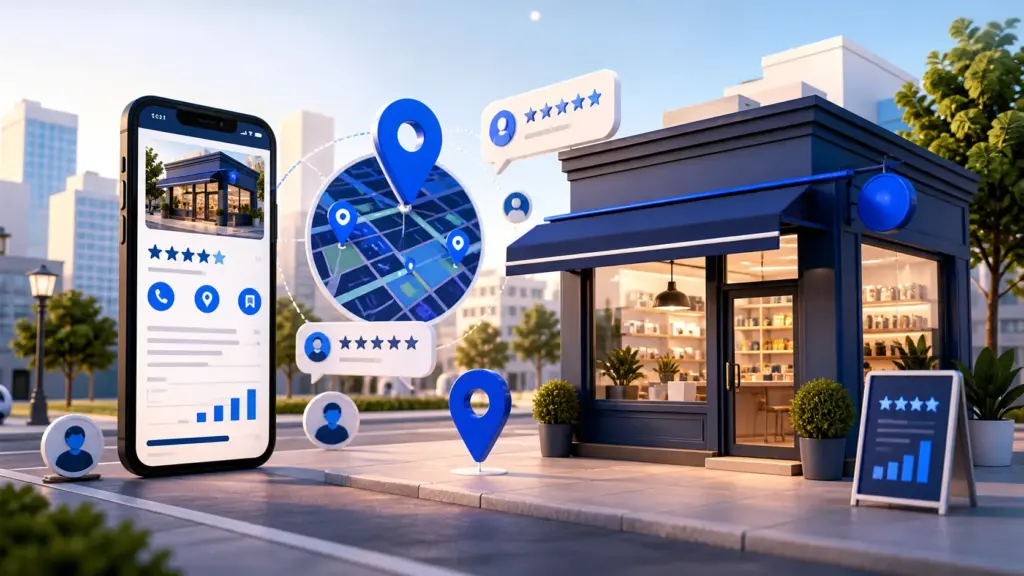
For a company that serves in a specific location or area, the web is only part of the job. The Google company profile it must be verified and display accurate information:
- Main category suitable.
- Schedule and phone updated.
- Address or service area correct.
- Photographs, services and reviews recent.
Google indicates that local results depend mainly on the relevance, distance and notoriety. Completing the profile, responding to reviews and keeping the data up to date helps the search engine better understand the business. Check the Official recommendations to improve local visibility.
8. Content is sparse, duplicated, or does not show experience
Copy supplier descriptions, repeating the same text in various locations or publishing generic articles adds little value. Google recommends useful, reliable, up-to-date and created content with people in mind first.
To demonstrate experience, include:
- Examples and real cases.
- Frequently Asked Questions of customers.
- Work processes clearly explained.
- Limitations and decision criteria.
That practical knowledge is difficult to replace with a generic text and helps the client to trust the company.
9. Expect results without building signs of trust
Publishing a website is the beginning, not the end. The main signs of trust can come from:
- Associations and Media related to the sector.
- Reliable directories and relevant to the business.
- Collaborators or clients that mention and link the company.
- A solid local reputation and consistent mentions of the brand.
Avoid buying link packages or use techniques that promise an immediate first position. Sustainable SEO is built by improving the product, content, and the way other people discover and recommend the business.
Quick diagnosis in 15 minutes
- Check the indexing: search
site:tudomain.comand write down which pages appear. - Use Search Console: Review the main page and a service page.
- Discard locks: check that they do not have
noindexno accidental restrictions. - Try the mobile experience: Complete the main action as if you were a customer.
- Check the architecture: Check that each service has a clear and linked page.
- Check local SEO: Search the business on Google Maps and review your data.
- Validate the search intention: Analyze if the title and content respond to a specific query.
This review allows you to distinguish a Indexing technical problem of a positioning problem. They are different situations and require different solutions.
How long does an SEO improvement take to notice?
There is no universal term. Google points out that some changes can be reflected in a few hours, while others need weeks or even months. The speed depends on the rate of change, the tracking frequency, the competition and the history of the site.
That is why it is convenient to measure before and after:
- Indexed pages.
- Consultations and impressions.
- Clicks and positions.
- Actual contacts and conversions.
Without a baseline it’s hard to tell if the stocks are working.
What we would do in a professional review
A useful audit does not start by promising positions. Start by looking for the bottleneck:
- Indexing and tracing.
- Architecture and internal links.
- Content and search intention.
- Performance and mobile experience.
- Local SEO.
- Conversion.
Then the actions are prioritized according to their Impact and effort.
On Cofana Labs we review the technical part and also what happens when the user reaches the page. Because appearing on Google is of little use if the website does not explain the offer, does not transmit confidence or makes contact difficult. You can complement this guide with the Essentials that a business website should have.
An orderly review avoids investing time and budget in actions that do not attack the real problem. We first identify if the brake is in indexing, positioning, local SEO, or conversion; Then we prioritize impact improvements.
If you don’t know which of these problems is limiting your website, we can help you find it and define the first steps.
Contact us at 📩 info@cofanalabs.com