Figma vs Adobe XD vs Sketch: Which one to choose in 2026?

The design of digital products has changed radically in recent years. What was once a Individual and local process, today is completely Collaborative, connected and oriented to speed.

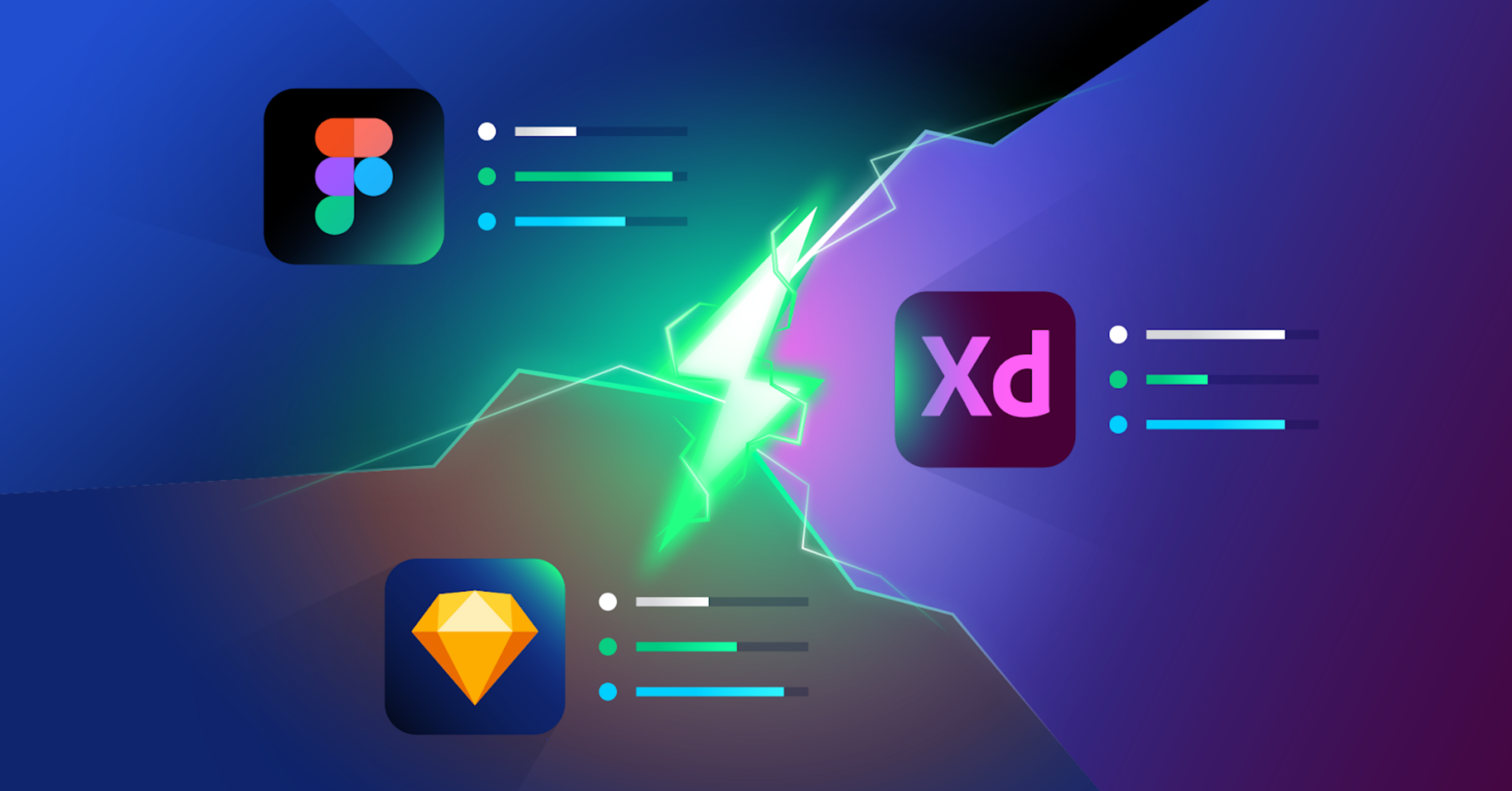
In this context, three tools have set the industry standard: Figma, Adobe XD and Sketch.

🔎 Each one was born with a different vision, but in 2026 the question is no longer what it is “The best in general”, but which one best suits your workflow, equipment and type of product.

Figma: The current standard of collaborative design

Figma it has revolutionized the way teams design digital products. Its main advantage is that it works completely in the cloud, which allows multiple people to work on the same file in real time.

Figma logo

How does Figma work?

Figma it works directly from the browser or via desktop app, eliminating the need for complex installations or local versions. Everything is automatically saved in the cloud.

👍 This allows Designers, developers and stakeholders work simultaneously on the same project.

Main advantages

  • Real-time collaboration: Several users can edit the same layout at the same time, which greatly speeds up teamwork.
  • Advanced Component System: it allows to create scalable and reusable design systems.
  • Large plugin ecosystem: From icons to artificial intelligence, everything integrates easily.
  • Built-in prototyping: Allows you to create interactions without leaving the tool.

Disadvantages

  • Depends on Internet connection
  • Can become heavy on very large projects
  • Some advanced features require learning curve

Adobe XD: Integration with the Adobe Ecosystem

Adobe XD it was created as Adobe’s response to the growth of the design Modern UX/UI.

Its main fortress it is the integration with tools like Photoshop and Illustrator, which makes it interesting for teams that already work within the Adobe ecosystem.

adobe logo xD

How does Adobe XD work?

👍 Adobe XD it allows you to design interfaces, create interactive prototypes and share them with clients or developers. Its approach is more traditional, similar to other adobe tools.

Main advantages

  • Integration with Creative Cloud: Ideal if you already use Photoshop or Illustrator
  • Simple interface: Easy to learn for beginners
  • Good performance on prototyping: Allows you to simulate basic interactions

Disadvantages

  • Less evolution versus competitors
  • More limited plugin ecosystem
  • Less focus on real-time collaboration

Sketch: the pioneer of modern UI design

Sketch it was for years the dominant tool in interface design, especially in environments MAC.

Although it has lost prominence against Figma, it is still widely used in companies that prioritize performance and local design.

Sketch logo

How does Sketch work?

Sketch it is a native application for MAC that allows you to create interfaces through symbols, shared styles and reusable components.

Main advantages

  • Very light and fast: Ideal for complex projects
  • Powerful symbol system: Allows you to easily reuse components
  • Great offline performance: it doesn’t depend on the cloud

Disadvantages

  • Only available in MAC
  • Limited collaboration (requires external tools)
  • Less adoption in modern equipment

Errors when choosing a design tool

Choose between Figma, Adobe XD or Sketch it should not be based solely on personal preferences or trends of the moment. However, it is a fairly common mistake.

These are some of the most common failures:

Choose by fashion

Many people opt for the most popular tool without analyzing if it really suits their way of working. Though Figma Dominate the market, not always the best option for all cases.

Ignore the equipment

A tool is not used alone in most projects. If you work with developers, other designers or clients, you need a solution that facilitates collaboration and Don’t complicate it.

Ignore project scalability

What works for a small project can fall short on a larger one. Do not consider How the product will grow it can force you to change tools later.

Prioritize the tool over the process

The design does not depend on the tool, but on the process. Choose software Without being clear about how you are going to work, it can generate more friction than benefits.

Do not try before deciding

One of the biggest mistakes is not experimenting with tools in real projects. The theory may be useful, but the practice is what really mark the difference.

How to correctly choose a design tool

Choose the best design tool UX/UI in 2026 it is not about finding “the best in general”, but about making a decision based on your real context.

Here you have one Practical methodology What can you apply:

1. Define your project type

🔎 It’s not the same to design a landing page than a complex SaaS product.

  • Simple projects → Any tool can work
  • Complex Products → You Need Scalability and Solid Design Systems

2. Analyze how you work (or work)

🔎 Ask yourself these questions:

  • Do you work alone or as a team?
  • Do you need real-time collaboration?
  • Are you going to constantly iterate with clients?

If the answer is yes, tools like Figma usually fit better.

3. Take into account your technical environment

🔎 Context matters more than it seems:

  • Mac users → Sketch can be a solid option
  • Adobe Ecosystem → Adobe XD can be better integrated

4. Evaluate scalability

🔎 Think medium and long term:

  • Is your project going to grow?
  • Will there be more people on the team?
  • Will you need complex design systems?

Choosing well from the beginning prevents future migrations.

5. Prioritize efficiency, not preferences

🔎 The best tool is not the one you like the most, but the one that allows you to work better, more fast and with less friction.

6. Test in a real case

🔎 Before taking one final decision, test each tool in a real project. Only then can you understand their limitations and advantages in your day to day.

On 2026, design leadership UX/UI it is clear: Figma it dominates the market thanks to its collaborative approach, its plugins and its constant evolution.

Sketch remains relevant in specific environments, while Adobe XD it has been more behind in comparison.

On Cofana Labs we analyze each tool from a practical and strategic perspective, taking into account how it really impacts the workflow and the final results.

We like to explore new tools and technologies, but always with judgment. It is not about using the most popular tool, but the one that best fits with each project, team and objective.

We do not believe that the software replaces the talent of the designer, but rather that it enhances it, helping you to work more efficiently, precisely and scalable.

The key is not in choosing the “fashionable” tool, but in making decisions that really add value to your product.

Contact us at 📩 info@cofanalabs.com

BIBLIOGRAPHIES 

Book your first free consultation now!